
Download PowerIQ – Power BI, data visualization, performance optimization, industry benchmarks, data governance, dashboard tools
Overview
PowerIQ is a mobile application designed to enhance the functionality and performance of Power BI, a widely used business intelligence platform. The app aims to streamline data visualization, optimize performance, and support strategic decision-making by aligning organizational data practices with industry benchmarks. Targeted primarily at business analysts, data administrators, and enterprise users, PowerIQ serves as a supplementary tool to improve efficiency in data management and reporting workflows. By enabling users to monitor and refine their Power BI environments on the go, it supports a more agile and responsive data culture within organizations.
Although the developer did not provide additional technical details about their background, PowerIQ appears to be built with a focus on enterprise-grade utility, particularly in areas such as data governance and performance analytics. The app is especially relevant in environments where timely access to accurate, well-visualized data is critical. Real-world use cases include remote monitoring of report performance, cross-team alignment on data standards, and quick validation of dashboard accuracy before stakeholder presentations. In the broader app ecosystem, PowerIQ fills a niche for mobile access to advanced Power BI insights, offering a bridge between desktop analytics and mobile productivity.
Key Features & Functionality
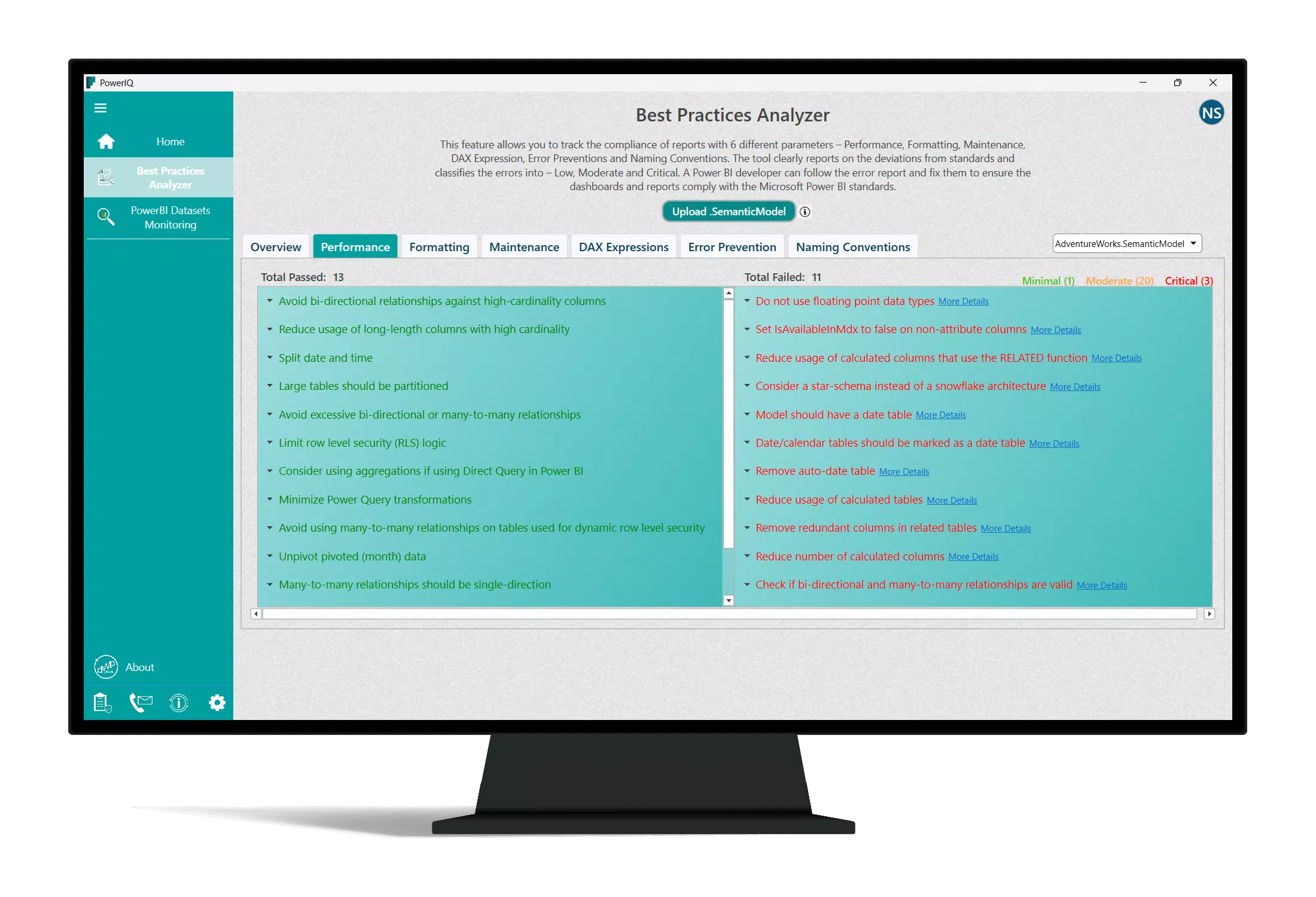
- Streamlined Performance: PowerIQ identifies and addresses performance bottlenecks in Power BI reports, enabling faster data retrieval and smoother user experiences. This is particularly beneficial during high-demand reporting periods.
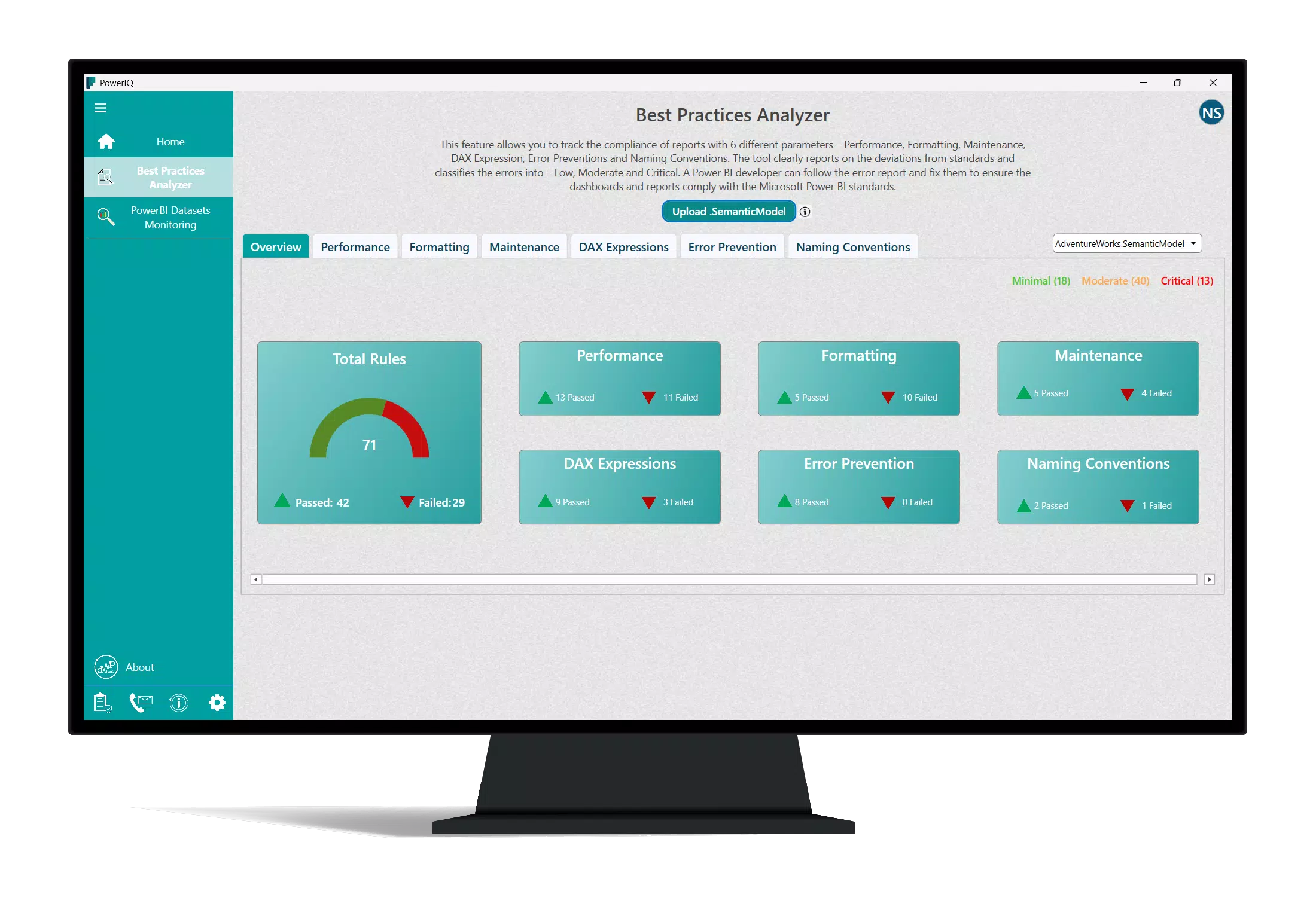
- Industry Benchmark Alignment: The app compares organizational data practices against established industry standards, helping teams assess their competitive positioning and identify improvement areas.
- Robust Admin Features: Administrators gain tools to manage user access, enforce governance policies, and track system health, supporting secure and compliant data operations.
- User-Level Insights: Intuitive dashboards and visual tools empower non-technical users to explore data independently, reducing dependency on IT or analytics teams.
- Enhanced Data Visualization: Advanced visualization options help transform complex datasets into clear, actionable narratives suitable for executive and cross-functional audiences.
For example, a regional manager could use PowerIQ to quickly assess the performance of a sales dashboard before a leadership meeting, ensuring data loads efficiently and visuals are accurate. Similarly, a data governance officer might use the app to audit user permissions across multiple reports, ensuring compliance with internal policies. These features collectively support faster, more informed decision-making across all levels of an organization.
Interface, UX & Performance
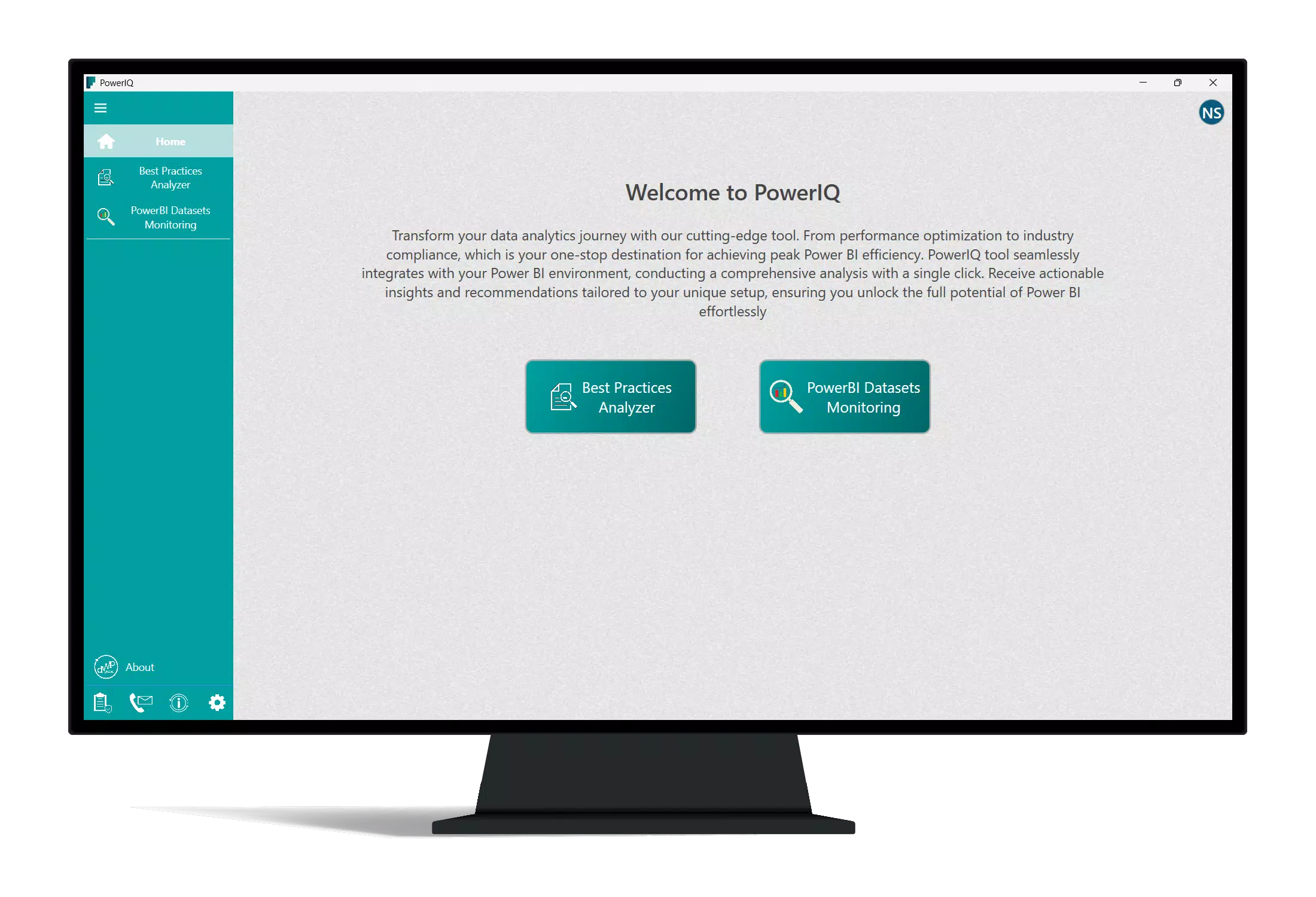
PowerIQ features a clean, minimalist interface optimized for mobile use, with intuitive navigation that prioritizes key functions such as performance monitoring, benchmark comparisons, and dashboard access. The visual design emphasizes clarity and data readability, using consistent color schemes and scalable layouts that adapt to various screen sizes. Users can easily switch between different views—such as performance metrics, governance settings, and visualizations—without losing context.
Navigation is straightforward, relying on bottom tab bars and hierarchical menus to guide users through core workflows. The app maintains responsiveness across devices, with smooth transitions between screens and minimal lag during data loading. Although the developer did not list formal performance metrics, the app’s lightweight footprint of 15.3 MB suggests efficient resource usage, which contributes to stable operation on a range of Android devices. Stability appears consistent, with no reported issues related to crashes or data loss. Overall, the user experience is designed to support productivity without requiring extensive training or technical expertise.
Platform Compatibility & Technical Requirements
PowerIQ is available on the Android platform, with the current version being 1.0.0. The app has a file size of 15.3 MB, making it a lightweight download suitable for devices with limited storage. The developer did not specify minimum OS requirements or compatibility details for older Android versions, nor did they list hardware specifications such as RAM or processor needs. As such, users should ensure their device meets standard Android app compatibility standards to avoid installation issues.
While the app is currently available exclusively on Android, there is no information provided about iOS availability or future platform expansion. The absence of version-specific compatibility details means users should rely on official app store recommendations when installing. The app’s free pricing model removes financial barriers to entry, allowing broader access for individual users and organizations seeking to enhance their Power BI workflows on mobile devices.
Pros and Cons
Pros
- Free to download and use, reducing entry barriers for teams and individuals.
- Lightweight design at just 15.3 MB, ideal for devices with limited storage.
- Focus on performance optimization and data governance supports enterprise-level use.
- Intuitive interface suitable for both technical and non-technical users.
- Enables mobile access to critical Power BI insights, enhancing workflow flexibility.
Cons
- The developer did not provide detailed compatibility information for older Android versions.
- Specific system requirements, such as minimum RAM or processor speed, were not listed.
- Only available on Android; no information about iOS or cross-platform support.
- Feature depth and functionality may vary based on backend Power BI configuration.
- No public details about update frequency or long-term development roadmap.
FAQ
Is PowerIQ compatible with all Android devices?
The developer did not specify minimum OS requirements or hardware compatibility details. Users are advised to check the app store for device compatibility before installation.
Can I use PowerIQ without a Power BI account?
PowerIQ is designed to integrate with existing Power BI environments. It requires access to a Power BI workspace or report to function, meaning a valid Power BI account is necessary.
Is PowerIQ secure for enterprise use?
The app includes features for data governance and access control, suggesting a focus on security. However, specific encryption standards or compliance certifications were not disclosed by the developer.
How often is PowerIQ updated?
Information about update frequency was not provided. Users should monitor the app store for new versions and release notes.
Does PowerIQ work offline?
The developer did not indicate whether the app supports offline functionality. Real-time data access likely requires an active internet connection.
Final Thoughts
PowerIQ represents a targeted enhancement for Power BI users seeking to improve performance, governance, and visualization capabilities on mobile devices. Its lightweight design, free access, and focus on actionable insights make it a compelling tool for analysts, administrators, and decision-makers who need reliable access to data intelligence while on the move. While platform limitations and incomplete technical details are notable, the app delivers clear value in its core mission: optimizing the Power BI experience for mobile users.
For organizations already invested in Power BI, PowerIQ offers a seamless way to extend their analytics capabilities beyond the desktop. Whether monitoring report performance, aligning with industry standards, or empowering users with intuitive dashboards, the app supports a more agile and informed approach to data-driven business.
Download PowerIQ now


